One shortcut — draw over any app, one letter per toolSnapshots keep screen + drawing as PNG — copy and tidy them in the gallery
Example screens. The real app may differ slightly.
About
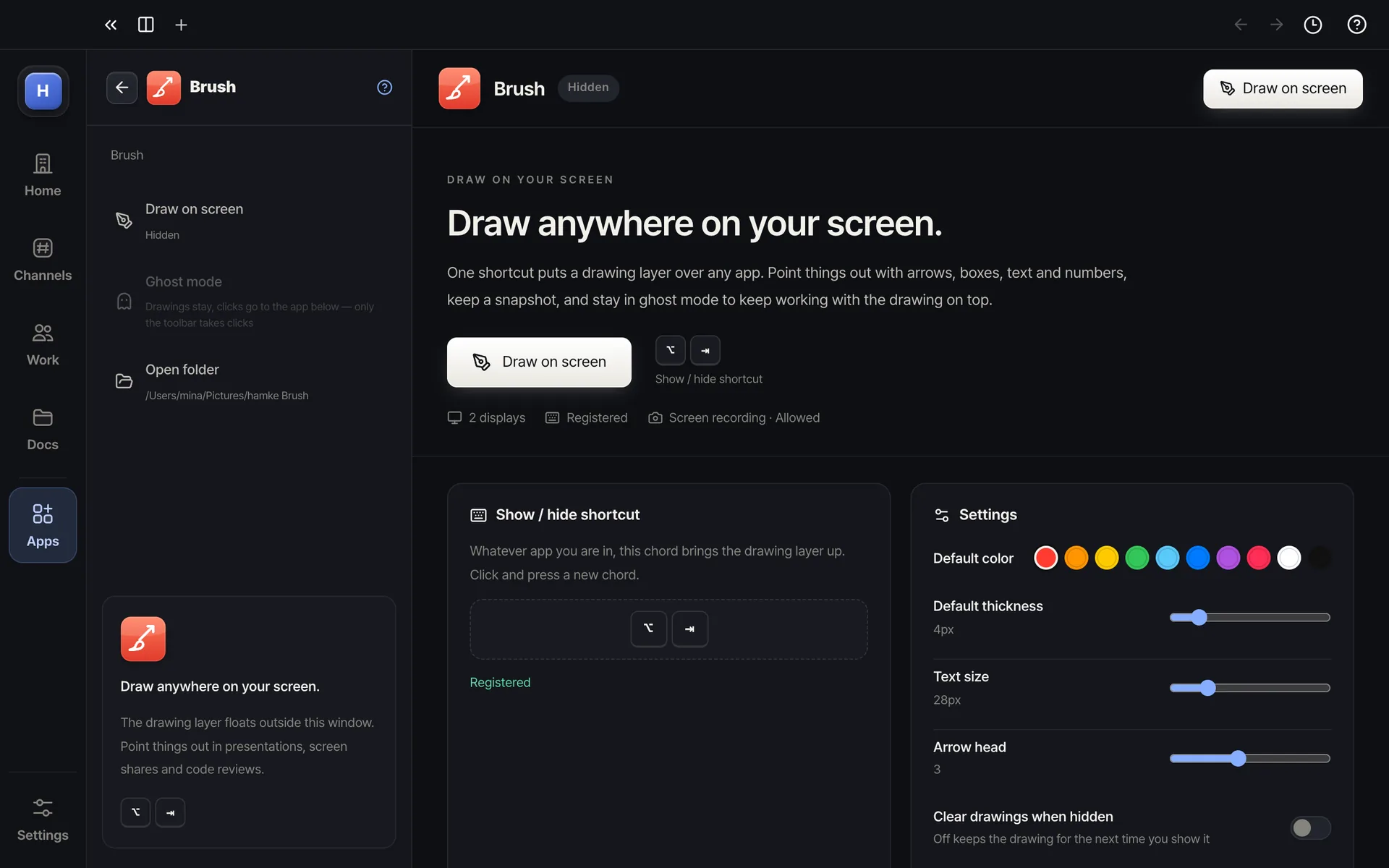
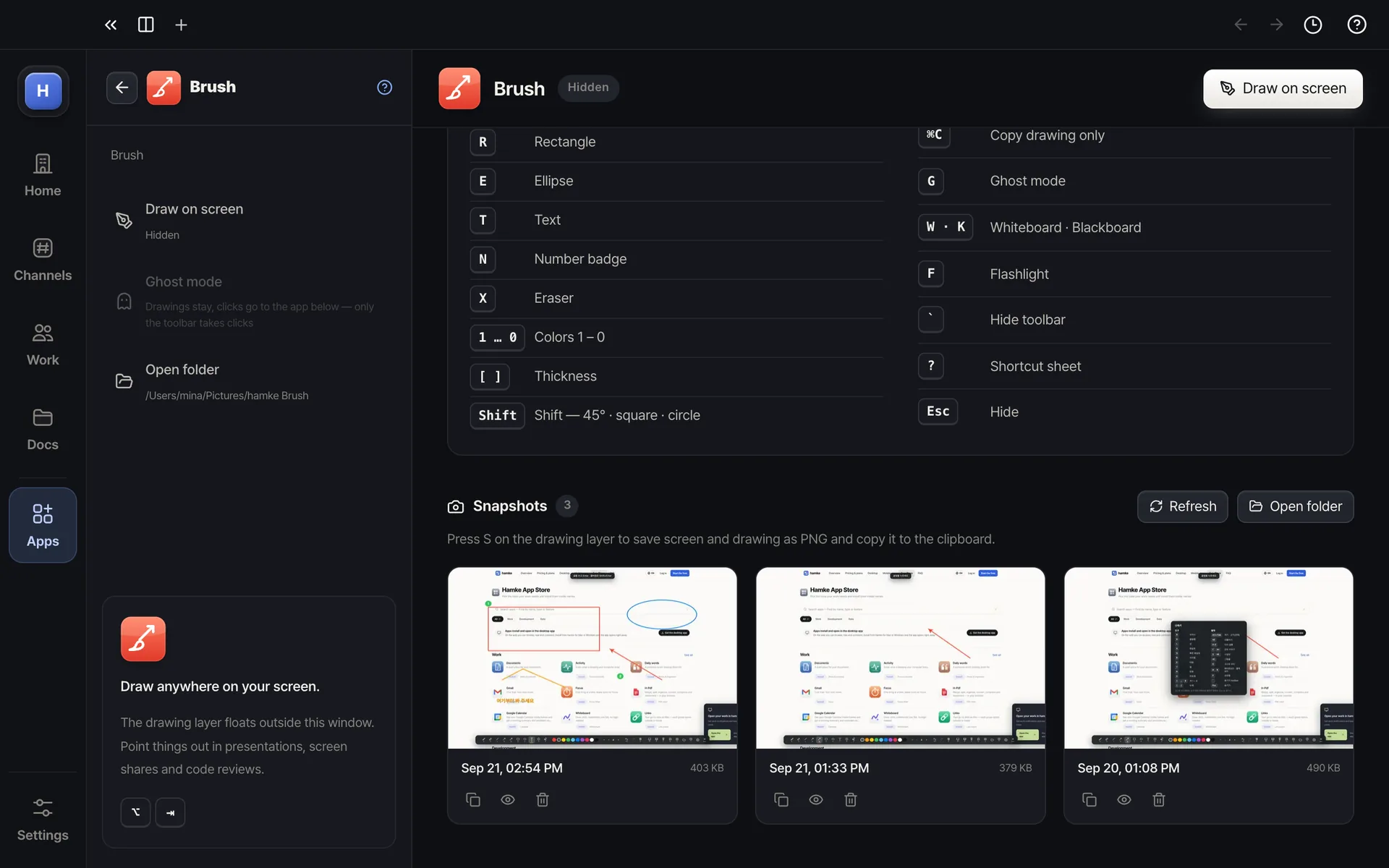
Works like ScreenBrush. Press Option+Tab (Ctrl+Alt+B on Windows) and a transparent drawing layer covers the screen; single letters switch tools — B brush, A arrow, Q quick arrow, R rectangle, E ellipse, T text, N number badge. Number keys pick colors, [ ] the thickness. S saves screen and drawing together as PNG and copies it to the clipboard. Ghost mode (G) keeps the drawing while you use the app underneath, and there is a whiteboard, a blackboard and a flashlight. With several displays it appears on all of them.
Highlights
Global shortcut — shows and hides from any app (changeable)
Brush · highlighter · line · arrow · quick arrow · rectangle · ellipse · text · number badge · eraser — one letter each
10 colors (1 – 0) · thickness · arrow head · text size · undo · redo
Snapshot (S) — screen + drawing as PNG · clipboard · gallery in the app