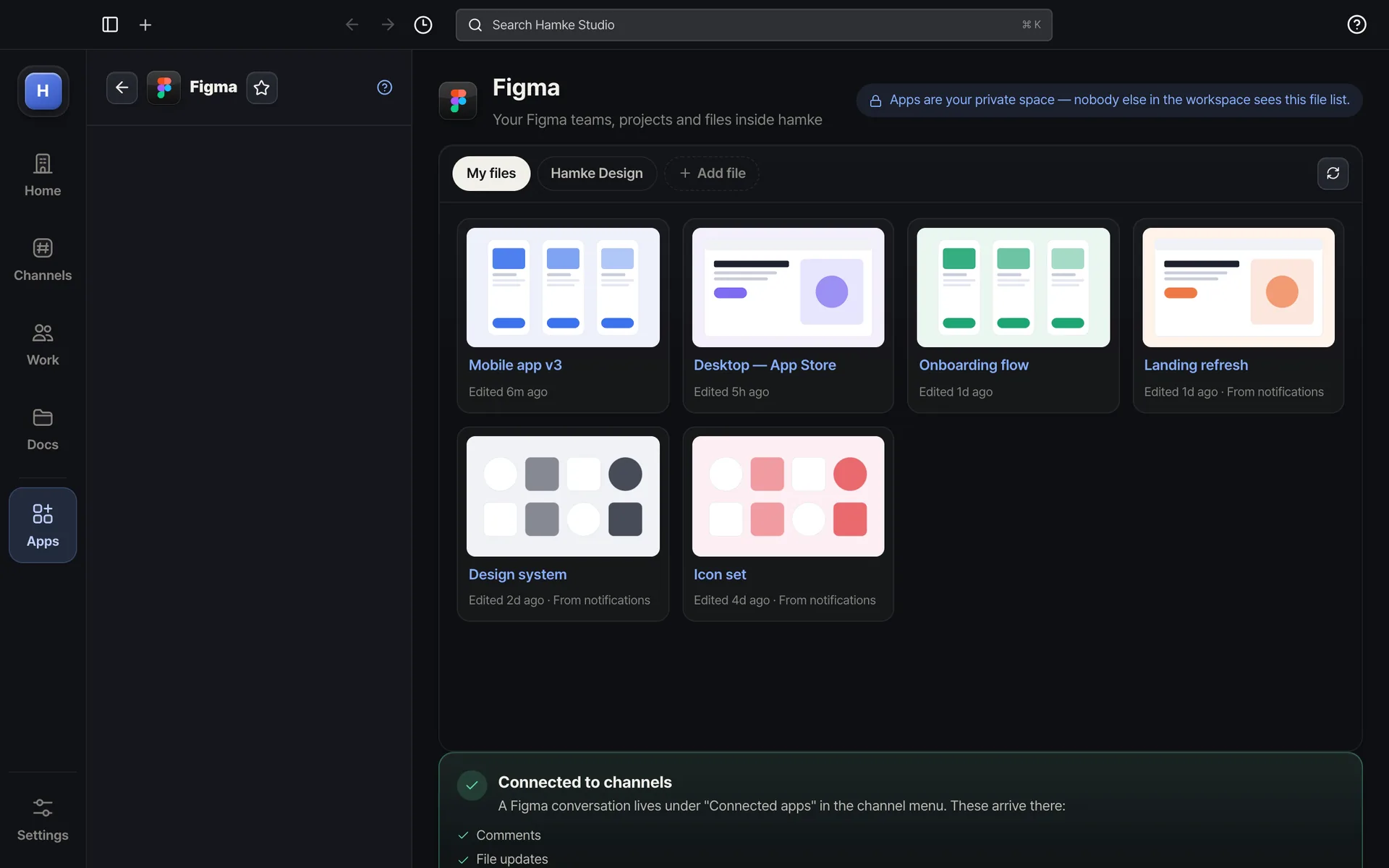
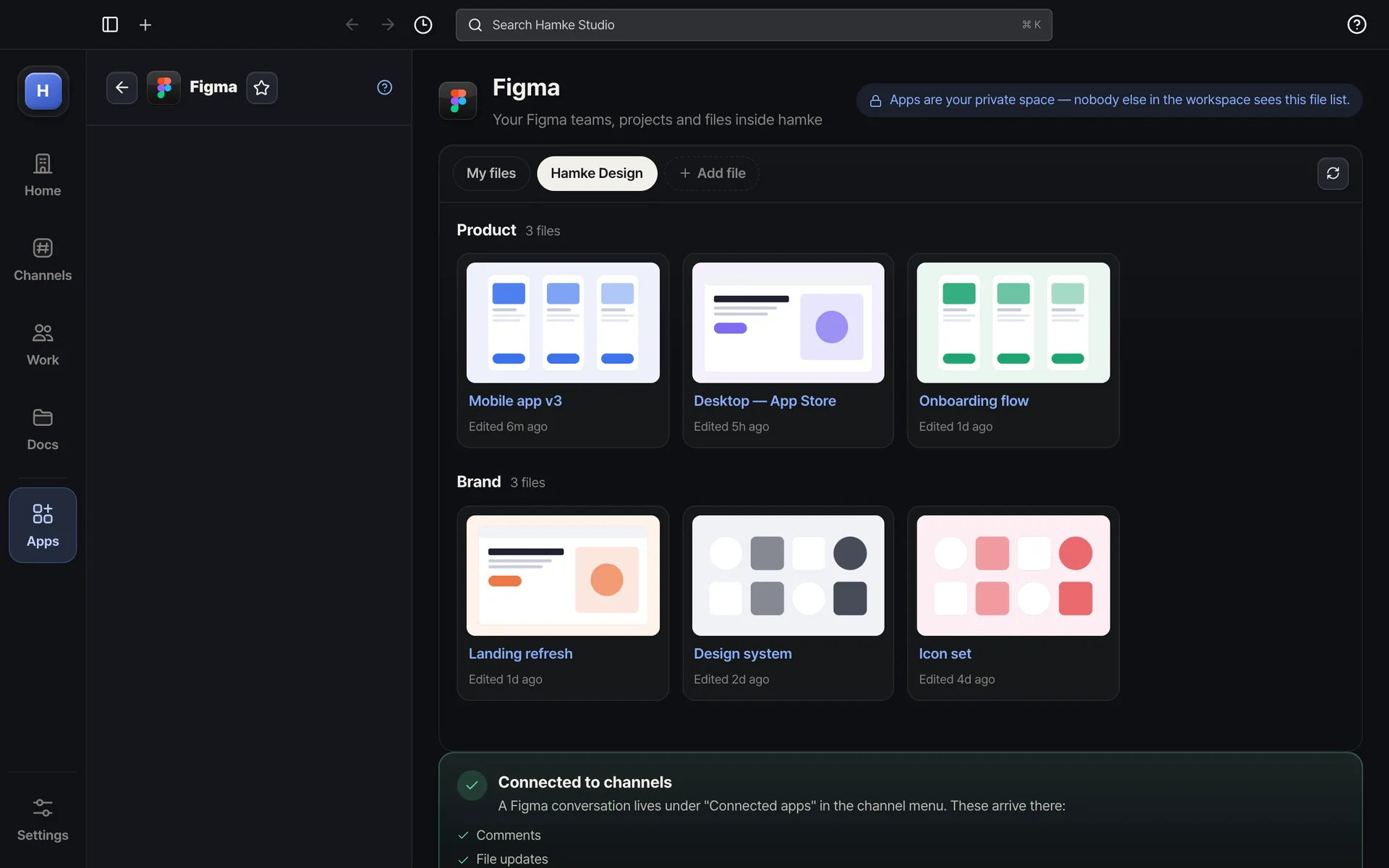
Pin the Figma files you open mostBrowse team, project and file thumbnails
Example screens. The real app may differ slightly.
About
Sign in with Figma and press Allow — no token to create. Add file links and each shows up as a card with name, thumbnail and last edit. Apps are a private space — nobody else in the workspace sees it. "Connect to channels" adds a Figma row under "Connected apps" in the channel menu, where comments, file updates, saved versions and library publishes arrive — like the Figma app in Slack.
Highlights
Sign in with Figma — one Allow, read only
Add file links for thumbnail cards — click to open in Figma
A Figma conversation under "Connected apps" — only you see it