InApp Hamke

FlowChart

Flowchart · By hamke

Drop shapes, connect them, share one link and draw together live

Apps install and open in the desktop app

No ratings
–
Category
Work
Price
Free
Compatibility
macOS · Windows
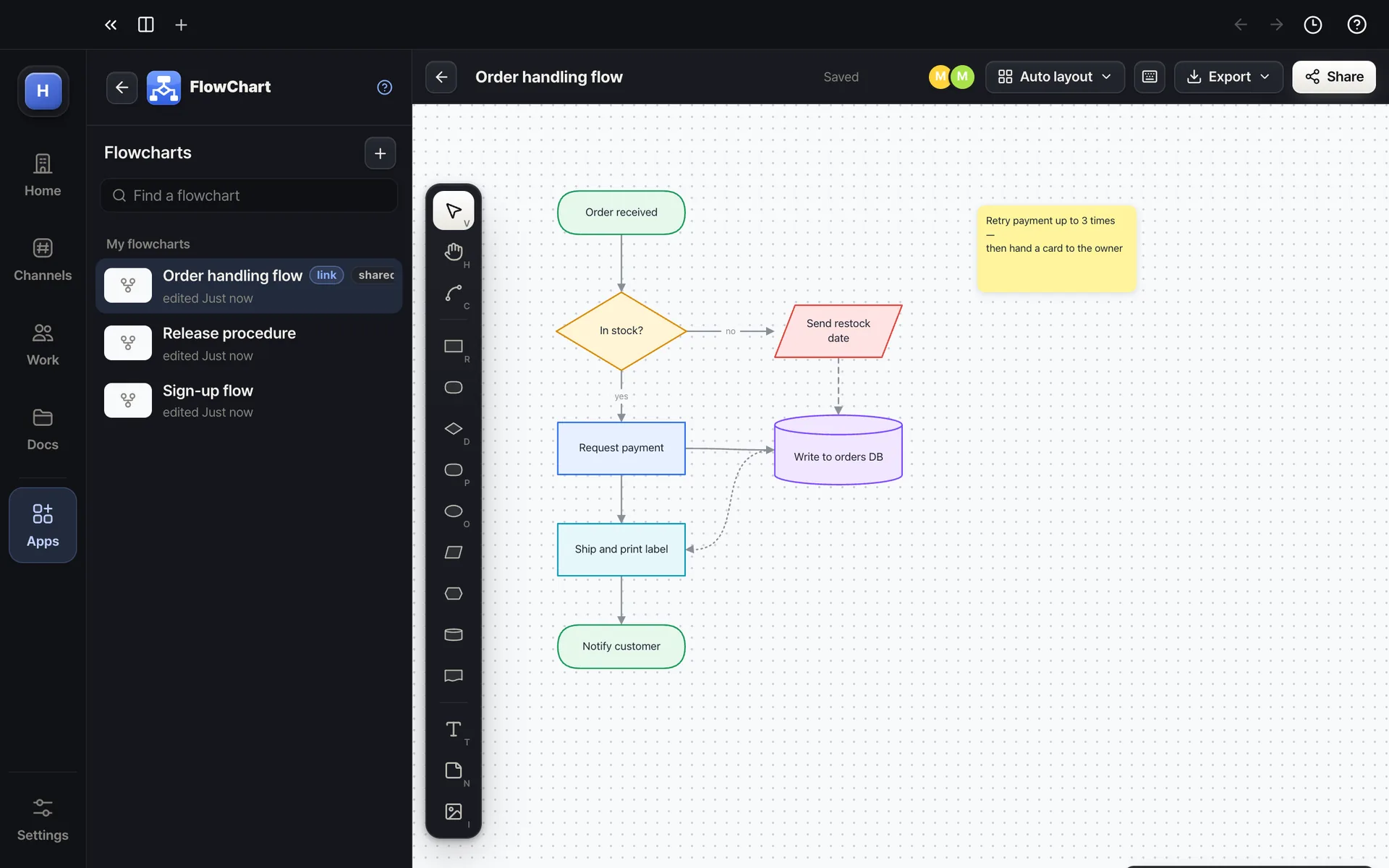
FlowChart — Drop shapes and connect them; move one and its lines follow
Drop shapes and connect them; move one and its lines follow
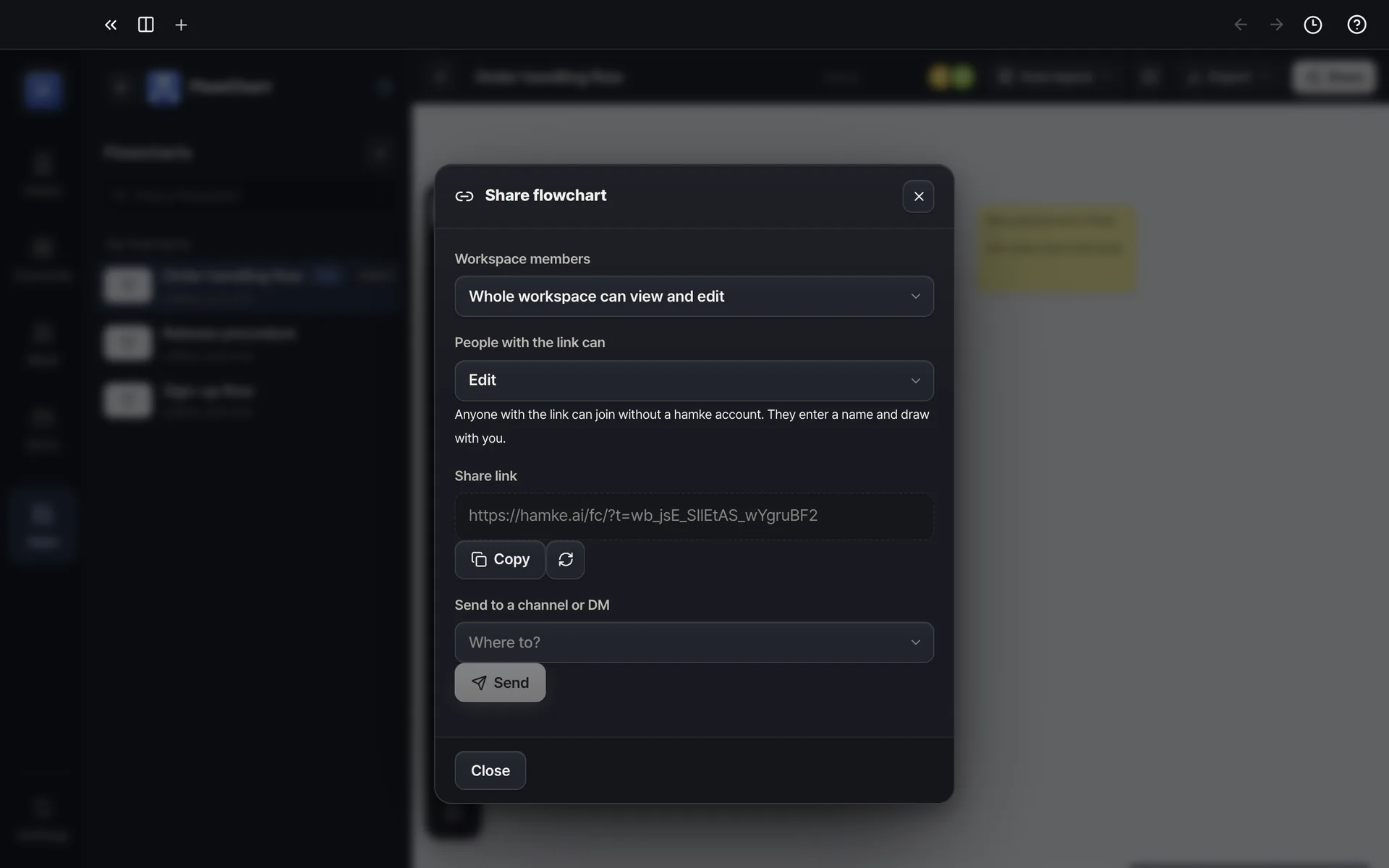
FlowChart — Draw together in real time, other people's cursors included
Draw together in real time, other people's cursors included
Example screens. The real app may differ slightly.

About

Place flowchart shapes such as process, decision, start/end, database and document, then drag the + on a shape's edge to create the next shape already connected. Move a shape and its lines follow; smart guides, grid and auto layout keep everything tidy. Paste a photo and it becomes a shape. Create a share link and people without a hamke account join from a browser and draw on the same canvas, seeing each other's cursors.
Highlights

  • 12 flowchart shapes · orthogonal, curved and straight connectors · labels · arrowheads
  • Drag the edge + to chain shapes · Tab for the next shape · smart guides · grid · auto layout
  • Real-time collaboration — cursors, live moves, who is here
  • Paste or drop photos · notes · text
  • Share link (view only · edit) — no login, send to channel · DM · PNG · SVG export

Ratings & comments

More in this category