InApp Hamke

What to Eat

Lunch picker · By hamke

Lunch decided — one tap and today's menu pops out

Apps install and open in the desktop app

No ratings
–
Category
Other
Price
Free
Compatibility
macOS · Windows
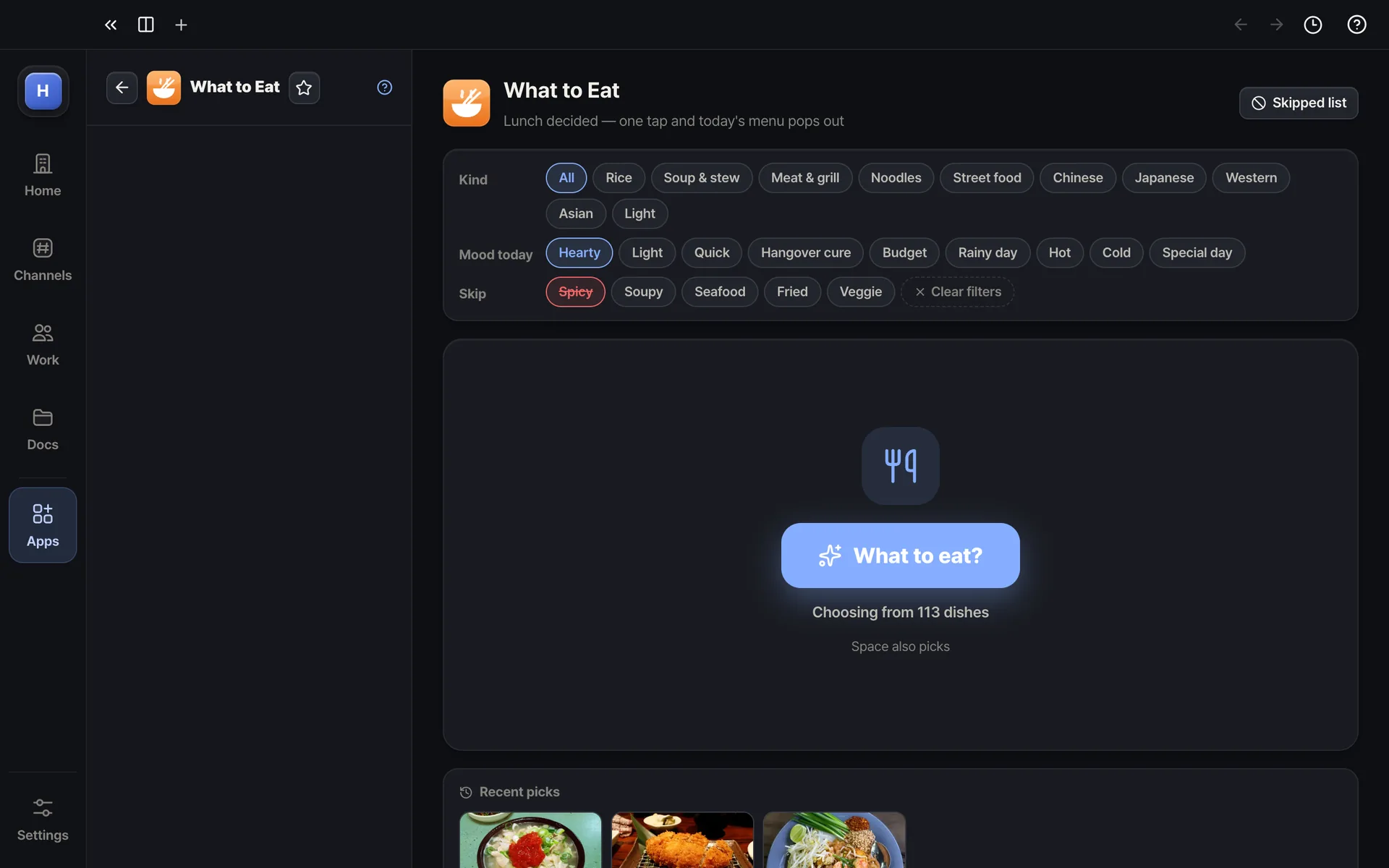
What to Eat — Kind, mood, skip list — set the filters and tap once
Kind, mood, skip list — set the filters and tap once
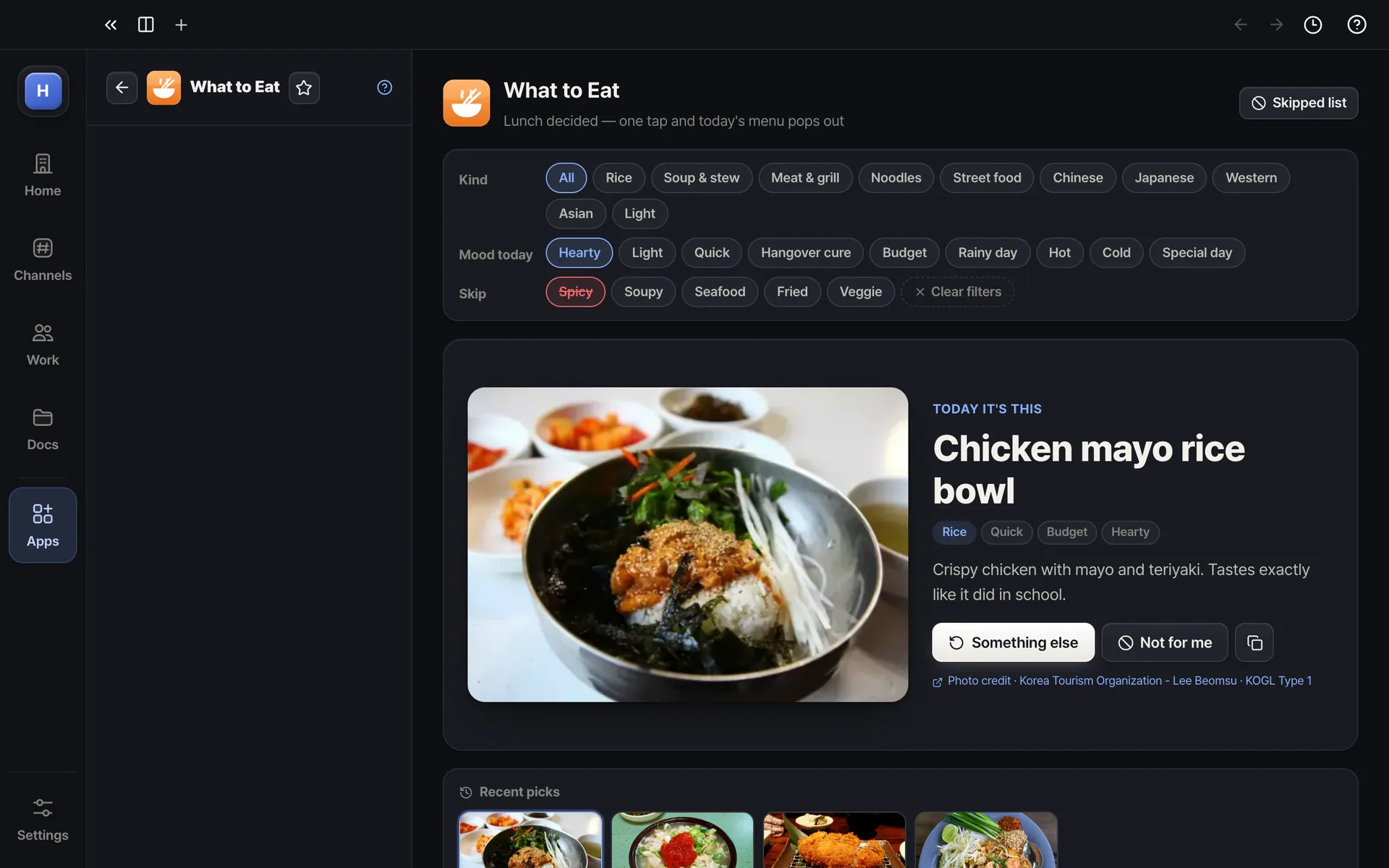
What to Eat — Pop — today's lunch with a photo and a one-liner
Pop — today's lunch with a photo and a one-liner
Example screens. The real app may differ slightly.

About

Settles the daily noon question for you. One tap picks from 380 Korean, Chinese, Japanese, Western and Asian dishes and shows it with a photo and a fun one-liner. Filter by kind, today's mood (hearty, light, hangover, rainy day) or what to skip (spicy, soup, seafood), and anything you mark as not for you stays out.
Highlights

  • 380 dishes — rice, soups, grills, noodles, street food, Chinese, Japanese, Western, Asian, light
  • One tap or Space — candidates flash by, then today's menu pops out
  • Photo and a one-liner on why this one, today
  • Filters — kind, mood, skip list, freely combined
  • Not for me · recent picks · copy the result

Ratings & comments

More in this category