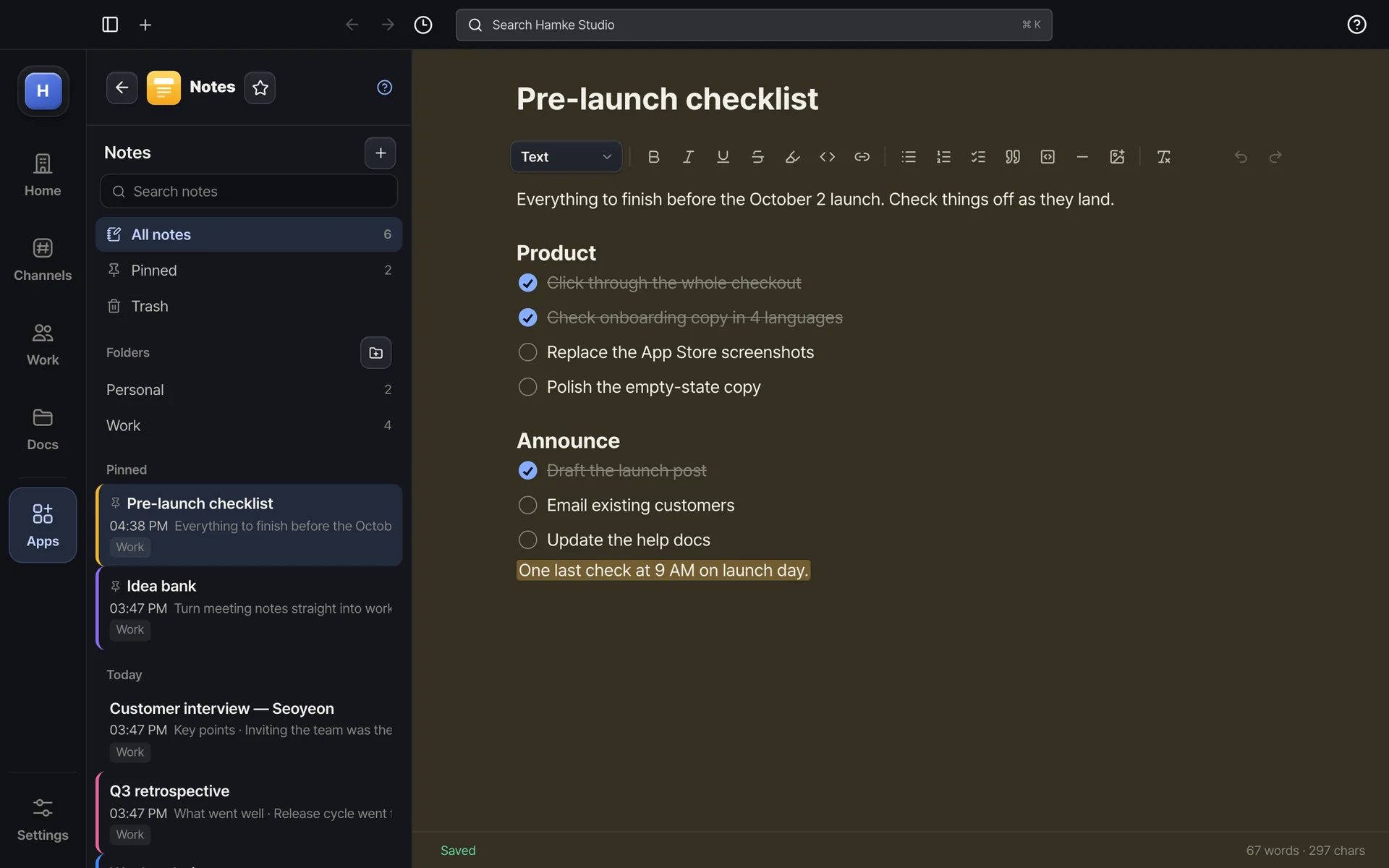
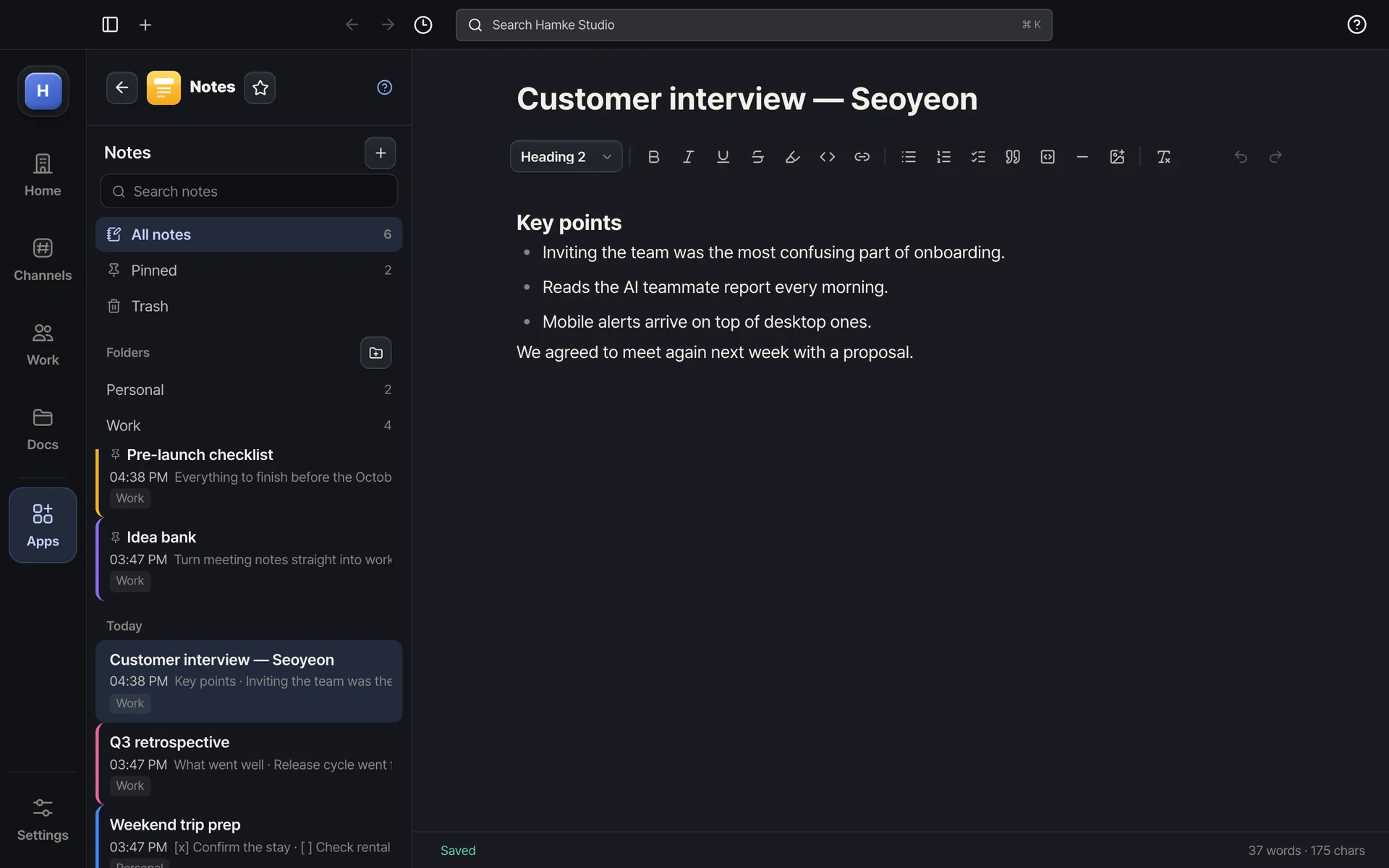
Checklists, headings, highlights — write as it comesFolders, pins and colors — the same notes everywhere
Example screens. The real app may differ slightly.
About
Works like Apple Notes. Notes list on the left (pinned · today · yesterday · folders · trash), one clean sheet on the right — write a title, then text, headings 1–3, bullets, numbers, checklists, quotes, code, dividers; paste or drop images and they land right where you are. Saves by itself. Notes are yours, not the workspace's — the same notes in every workspace and nobody else can see them.
Highlights
Text · headings · bold · italic · underline · highlight · link · code