VPN
Office network · By hamke
Drop in the VPN file your company gave you and flip one switch — no other program, right inside hamke
Apps install and open in the desktop app
- No ratings
- –
- Category
- Work
- Price
- Free
- Compatibility
- macOS · Windows
About
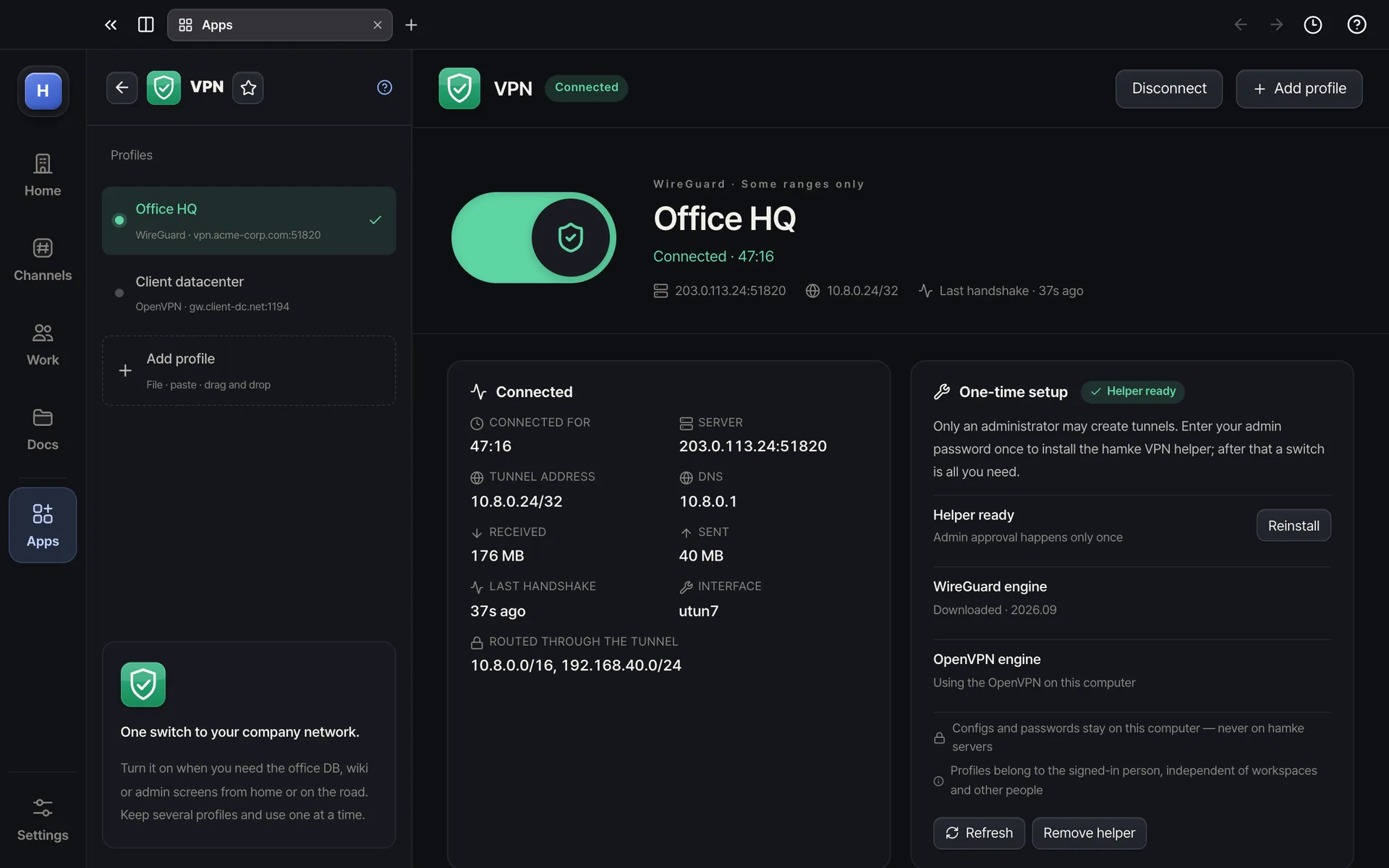
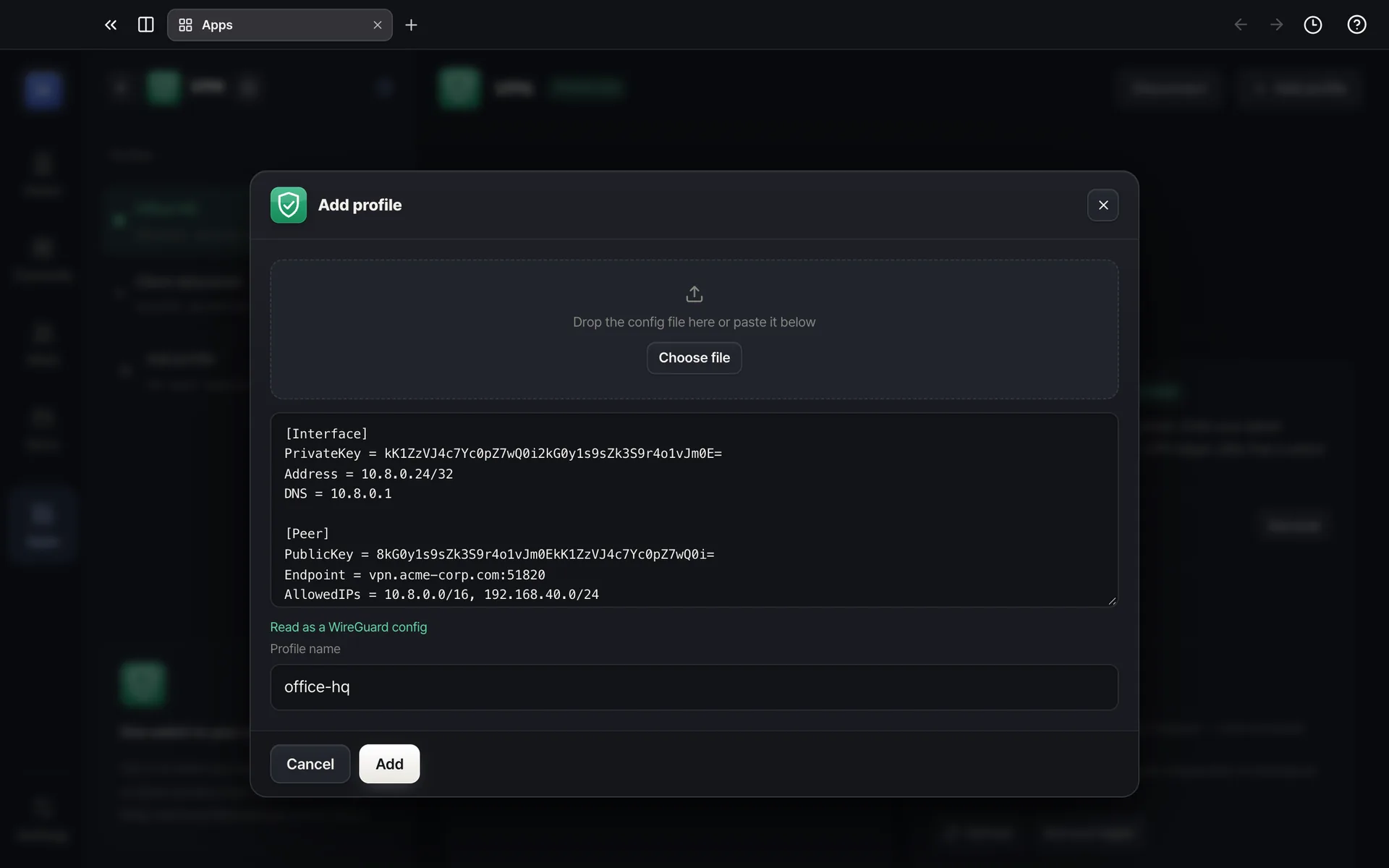
A VPN client for reaching your company network from home or on the road. Drag in or paste the WireGuard (.conf) or OpenVPN (.ovpn) file from your IT team and it becomes a profile; switch on to reach the office DB, wiki and admin screens, switch off to go back. Admin approval happens once to install a small helper; after that no prompts. hamke downloads the WireGuard engine itself (signed and verified), and configs and passwords stay sealed on this computer, never on hamke servers. Keep several profiles (company, clients), auto-connect when hamke starts, and reconnect after sleep.
Highlights
- WireGuard and OpenVPN config files as they are — drag in, paste or pick a file
- One switch on and off, with connected time, server, tunnel address, DNS, received, sent and last handshake
- Admin approval only once — nothing after that
- Several profiles, auto-connect, reconnect after sleep, remembered OpenVPN account (sealed)
- Configs and passwords stay on this computer, never on hamke servers, with a log to find causes