InApp Hamke

Terminal

Terminal · By hamke

A real terminal on your computer — tabs, saved SSH, command memory, iTerm2-style themes

Apps install and open in the desktop app

No ratings
–
Category
Development
Price
Free
Compatibility
macOS · Windows
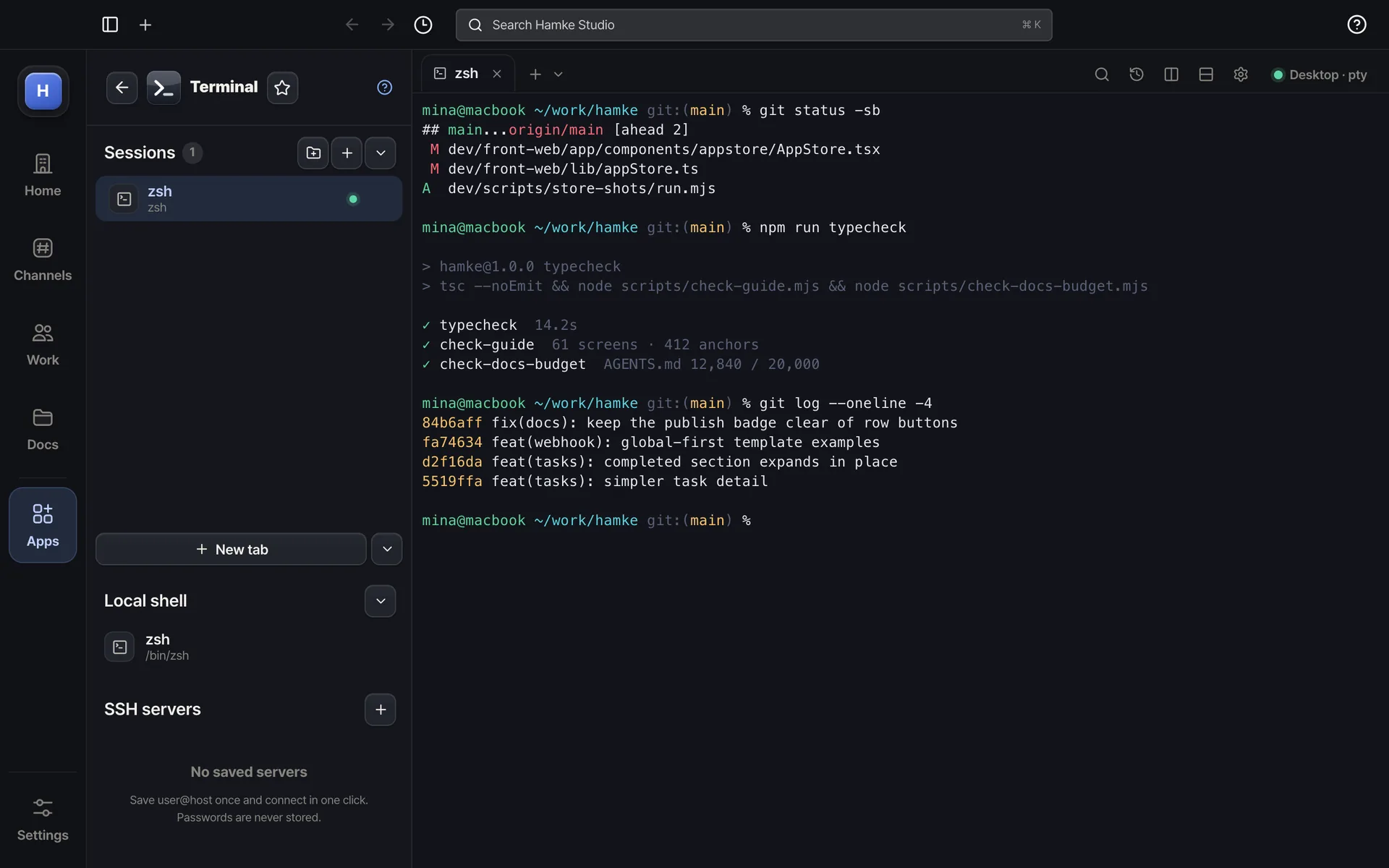
Terminal — Your computer's shell inside hamke — tabs, sessions, history
Your computer's shell inside hamke — tabs, sessions, history
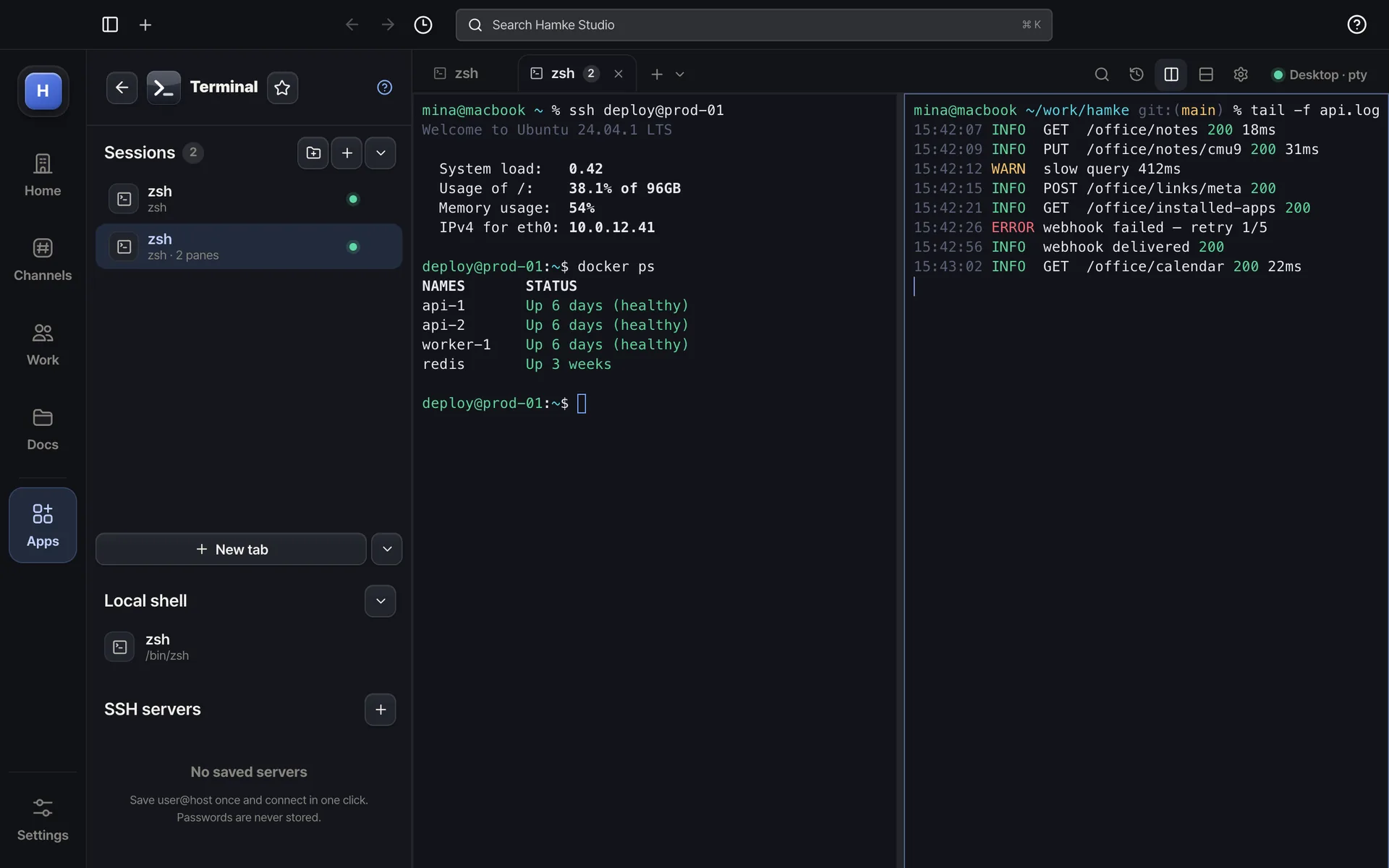
Terminal — Split panes to watch a server and its logs side by side
Split panes to watch a server and its logs side by side
Example screens. The real app may differ slightly.

About

The shell runs on your machine, never through hamke servers. The desktop app opens it directly; in a browser, start a one-line local bridge and this window becomes that terminal. Tabs and splits, search and clickable links, saved SSH servers you connect to in one click, a memory of commands you typed, and themes, fonts, cursor and opacity you tune like iTerm2.

Highlights

  • Shell on your own computer — no server in between
  • Tabs, side-by-side and stacked splits, ⌘T · ⌘W · ⌘D
  • Saved SSH servers (host · user · key · jump) — one-click connect
  • Command memory — search and rerun from a list
  • 12 themes · fonts · cursor · line height · scrollback · search (⌘F) · clickable links

Ratings & comments

More in this category